Resolume Plugin
R3NE Player is an FFGL effect for Resolume Arena and Avenue. It plays any R3NE composition (.r3d) right inside a Resolume layer, renders it with R3NE’s Metal engine, and turns the parameters you publish in R3NE into knobs you can map to MIDI, OSC or BPM sync in Resolume.
Before you start
- Resolume Arena or Avenue 7 or later.
- A Mac with Apple silicon, macOS 14 or later.
- A composition saved from R3NE (
File → Save). The R3NE app doesn’t need to be open while Resolume plays it.
1. Install the plugin
File ▸ Resolume ▸ Install R3NE Player in Resolume…. It downloads the plugin and installs it for Arena and Avenue; skip to step 5. To do it by hand:- Download R3NeFFGL-0.9.4-arm64.zip and double-click it to unzip. You get
R3NeFFGL.bundle. - Quit Resolume if it’s open.
- In Finder press
⇧⌘Gand go to Resolume’s plugin folder (create theExtra Effectsfolder if it isn’t there):On Avenue it’s~/Documents/Resolume Avenue/Extra Effects. - Drag
R3NeFFGL.bundleinto that folder. If an older copy is there, replace it.
- Open Resolume. In the
Effectsbrowser, search forR3NE Player.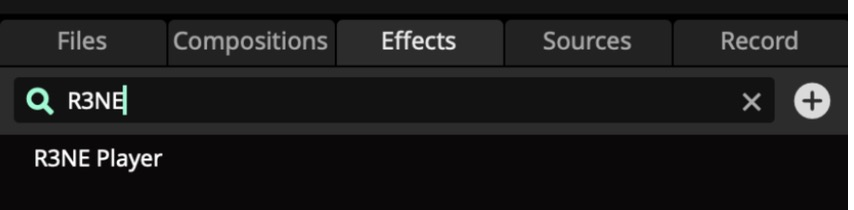
2. Load a composition
- Drag
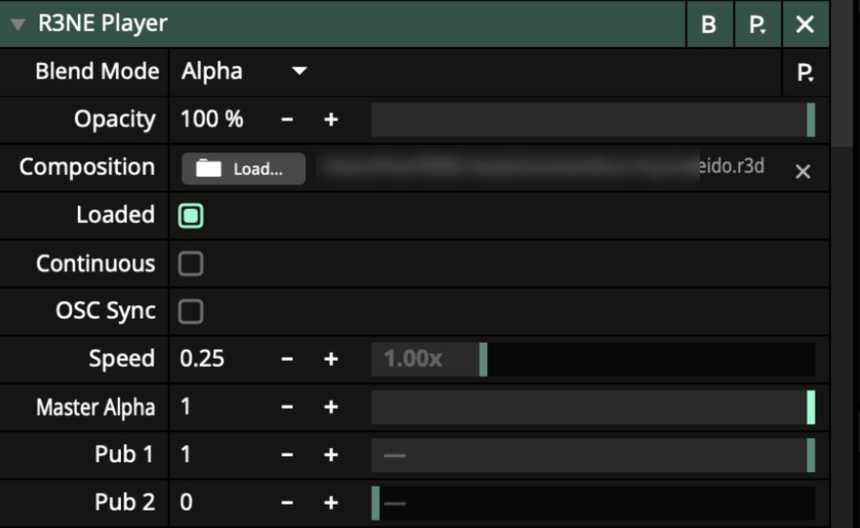
R3NE Playeronto a clip or a layer. It’s an effect, so it needs something playing underneath: any clip works, or aSolid Colorsource if the composition makes its own image. - In the effect, click
Compositionand pick your.r3dfile. - After a moment
Loadedlights up and the composition plays on the layer.
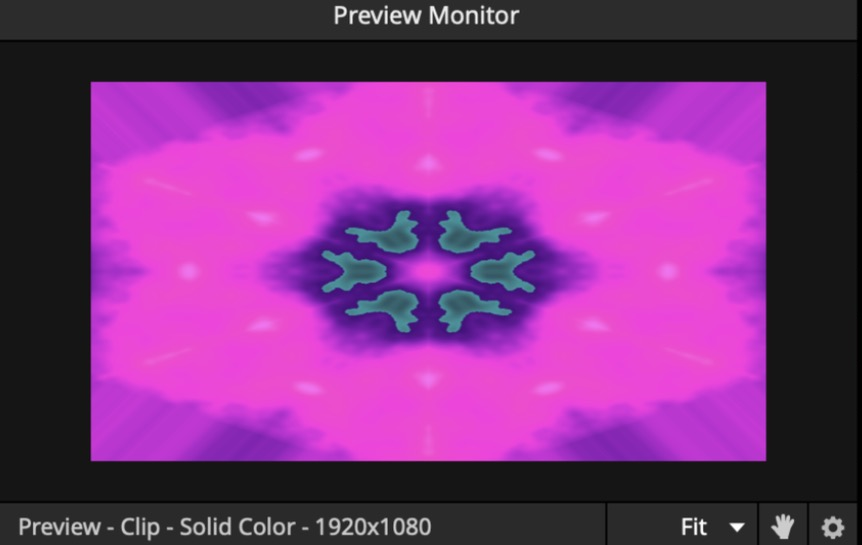
Video In node in R3NE and wire it into the graph. It receives whatever is playing under the effect.3. Publish the parameters you want in Resolume
Resolume only shows the parameters you publish, up to 32 per composition.
- In R3NE, select a node.
- In the inspector, click the antenna icon next to each parameter you want to control (a slider, a color, a shader
@input). It turns green when the parameter is published.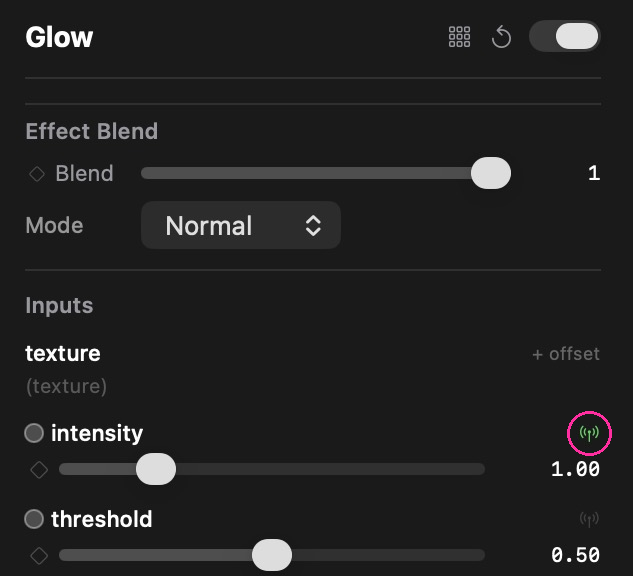
- Save the composition.
- In Resolume, pick the file again in
Composition(or switchLoadedoff and on). The published parameters fill thePub 1,Pub 2… slots, one per parameter. Resolume shows the slot number, not the parameter’s name: move a slot and watch the output to find which is which, then label your MIDI mapping.
From there they behave like any Resolume parameter: right-click to map MIDI or OSC, or animate them with Resolume’s BPM sync.
The plugin’s own controls
| Control | What it does |
|---|---|
Composition | The .r3d file to play. |
Loaded | Off frees the composition and its GPU memory; on loads it again (and picks up a re-saved file). |
Continuous | On: the composition’s timeline keeps running when the clip is retriggered. Off: it starts over from 0. |
OSC Sync | Follows the clip position Resolume sends over OSC instead of free-running time. Turn on OSC output in Resolume’s preferences and send it to 127.0.0.1, port 7001. |
Speed | Timeline speed from 0× to 4×; the default is 1×. |
Master Alpha | Overall opacity of the R3NE output. |
R3NE Player or an ISF effect?
File ▸ Resolume ▸ Install Shaders as ISF Effect is a different route: it converts only the graph’s Shader nodes to GLSL and installs them as a native ISF effect that doesn’t need R3NE. Use it for a single shader; use R3NE Player for anything else (2D and 3D nodes, Post-FX, video, audio, vision), which ISF can’t carry.
Troubleshooting
| What you see | Fix |
|---|---|
R3NE Player isn’t in the effects list | Check the bundle is directly inside Extra Effects (not in a subfolder) and restart Resolume. |
| Black output | Make sure Loaded is on and a file is picked. Open the composition in R3NE and check that something is wired to the Output. |
A Pub slot does nothing | Those slots are free. Publish more parameters in R3NE, save, and reload the file. |
| Want R3NE as a separate app instead? | Send R3NE’s output to Resolume with Syphon or NDI. See NDI & Syphon. |